
Approvals by WhatsApp Are Not a Workflow: How Business Central Handles Approvals
Written by Index of Solutions team
Approvals by WhatsApp Are Not a Workflow
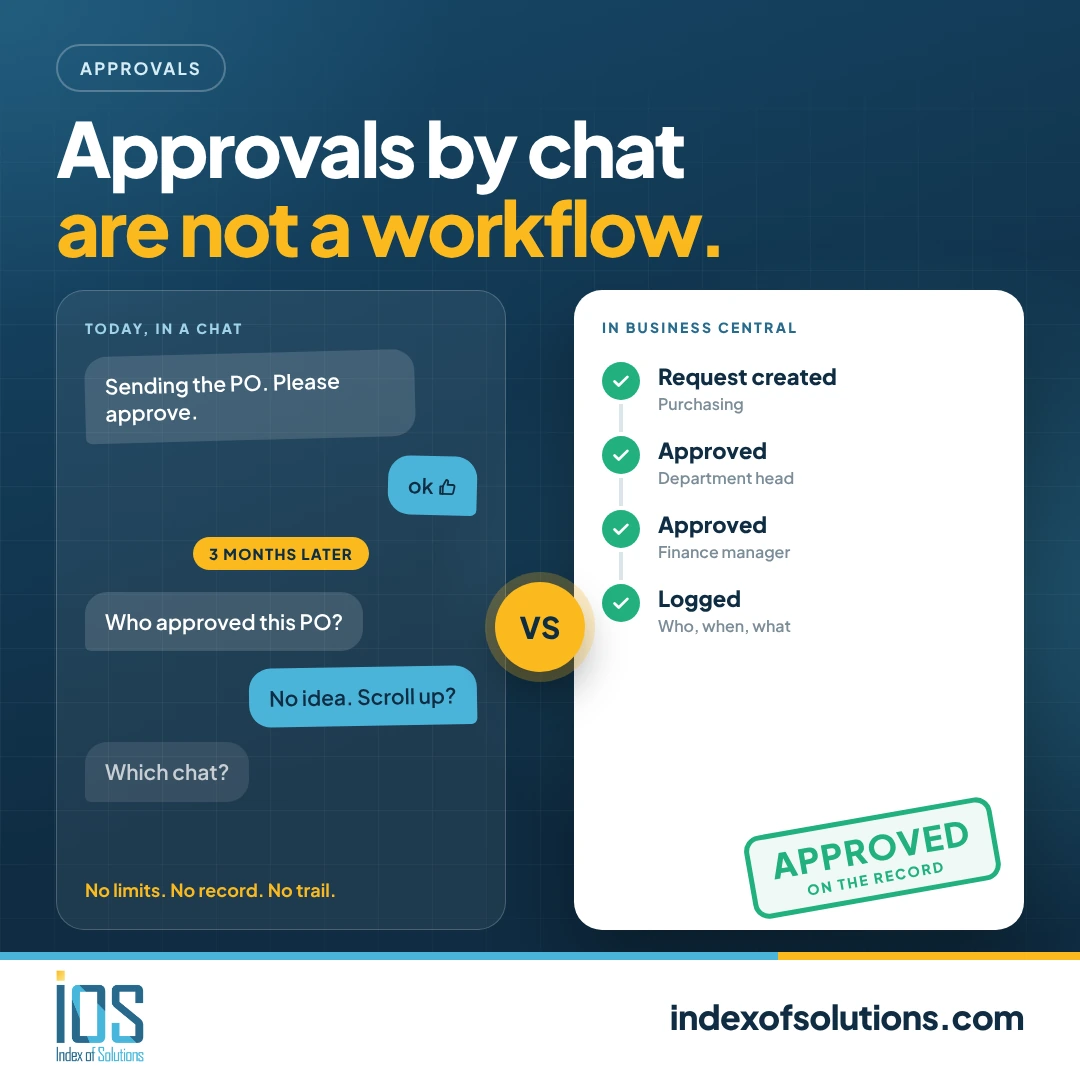
A purchase order is sent in a chat. Someone replies with a thumbs up. The goods arrive, the invoice follows, and three months later your auditor asks who approved it. Nobody can find the message.
If this sounds familiar, you don't have an approval process. You have a habit.
Why chat approvals break down
- No record. Messages get buried, deleted, or live on someone's personal phone.
- No limits. Anyone can say yes to any amount.
- No escalation. If the approver is on holiday, the request just sits there.
- No link to the document. The approval is in one place and the purchase order is in another.
How approvals work in Business Central
Dynamics 365 Business Central has approval workflows built in. You define the rules once, and the system applies them every time.
- Rules by amount, document type or user. For example, purchase orders under a set amount go to the department head, and anything above that goes to finance as well.
- Approval from the document itself. The approver is notified and reviews the actual purchase order, invoice or payment before deciding.
- A full history. Every request, approval, rejection and delegation is recorded with who did it and when.
- Substitutes for absences. When an approver is away, the request goes to their delegate instead of waiting.
Approvals can cover purchase orders and invoices, sales documents, payment journals and more.
A simple way to set it up
- Map who approves what. Write down current practice: who signs off on which amounts and which document types.
- Set the limits. Define approval limits and the approver chain, and name a substitute for each approver.
- Test with real documents. Run a week of real purchase orders through the workflow before rolling it out company-wide.
What changes for your team
- Requests stop getting lost
- Approvers decide faster because they see the full document
- Finance can see what is waiting for approval at any moment
- Your auditor gets a clean trail without a hunt through chat histories
Where to start
You don't need a big project. Many companies start with purchase approvals and extend from there. If you already use Business Central and haven't set up workflows, our team can review your current process and configure it with you.
Learn more about our Business Central consultancy and implementation services, or contact us to talk about your approval process.